
Tapas episodes are usually made of several separate panel images loaded one after another on the page. Image Translate works directly on these panels — no need to save or upload anything.
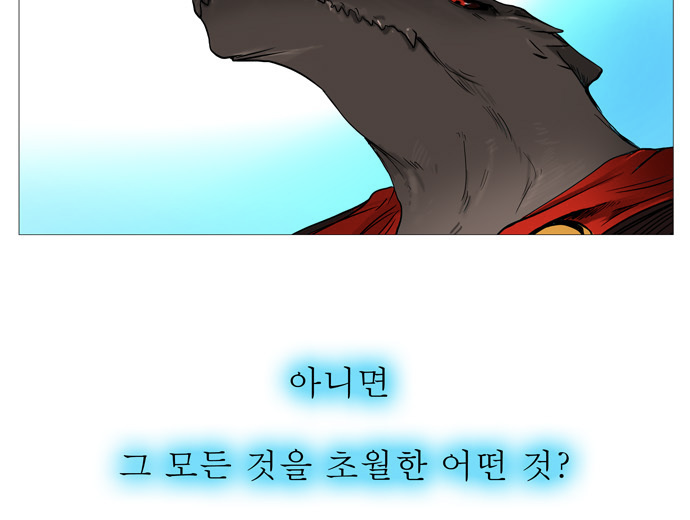
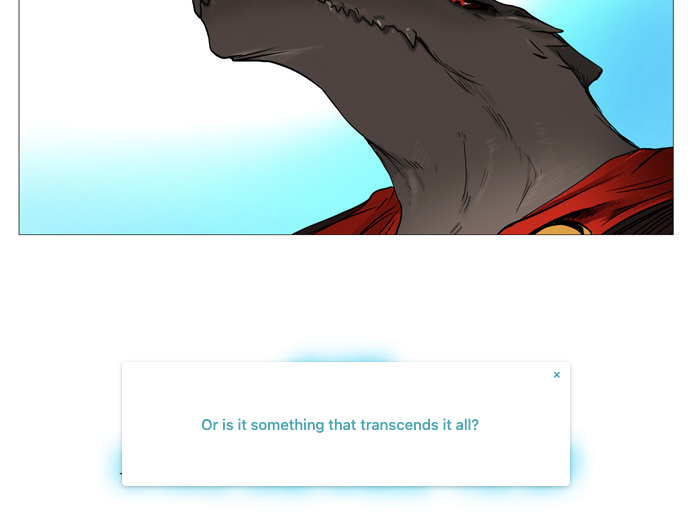
Translate a single panel
Right-click the panel you want translated and choose "Translate this image". Image Translate detects the text in the panel and overlays the translation directly on top of the original speech bubbles, in your chosen language — see it in action on the homepage.
Translate a whole episode at once
Instead of right-clicking every panel in a long episode, right-click any panel and choose "Translate all images in this set". Image Translate finds the other panel images on the page and translates them together in one action.
Choosing your language
Open the Image Translate popup (click the extension icon) and pick your target language from the dropdown — it's remembered for every image you translate afterward, on Tapas or any other site.
Questions? Check the FAQ or install Image Translate to try it yourself.