Manhwa — Korean comics, most often published as tall, vertical-scroll "webtoons" like Tower of God, Solo Leveling, and thousands of others — have one of the largest global readerships of any comic format. Image Translate lets you read any manhwa panel in your language, right where you're already reading it, without waiting for an official translated edition.
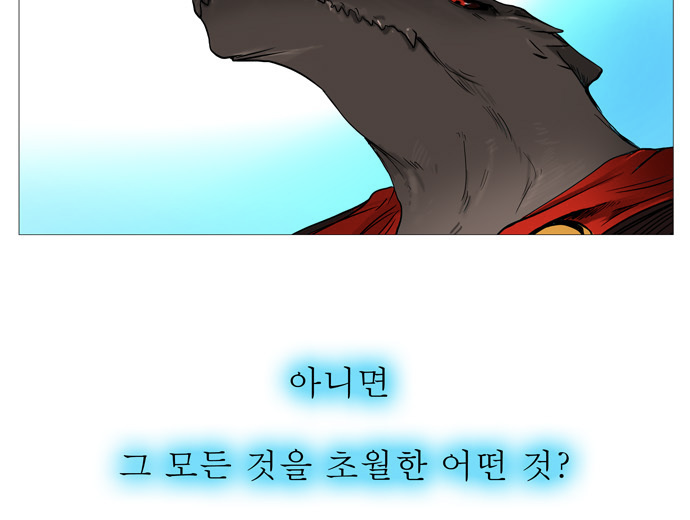
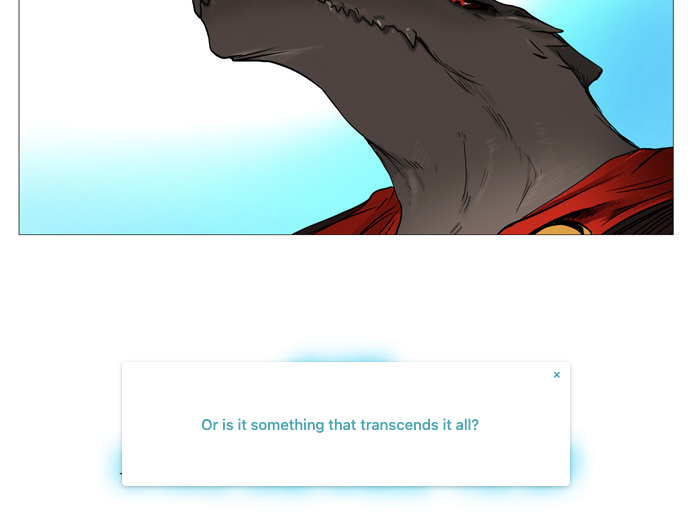
How it works
Right-click any manhwa panel on any website and choose "Translate this image". Image Translate detects the Korean text and overlays the translation directly on top of the original speech bubbles — no uploads, no fixed list of supported sites.
Reading a whole episode at once
Many manhwa platforms load an episode as several panel images, or one long continuous image. Either way, right-click any panel and choose "Translate all images in this set" to translate the whole episode in one action. See platform-specific notes for Naver Webtoon, Tappytoon, and WEBTOON (webtoons.com).
Choosing your language
Open the Image Translate popup (click the extension icon) and pick your target language from the dropdown — one of 29 supported languages. It's remembered for every image you translate afterward.
Free for up to 50 images a month, no credit card required. See full pricing · FAQ · Install Image Translate